
AI Voice Agent
Give callers a natural conversation about your services, capture job details and bring the follow-up back to your team.
Explore ai voice agentEstimates, surveys, bookings, dispatch, BOL paperwork and payments—connected to the moving operation you actually run.
14-day free trial. No credit card required to start.
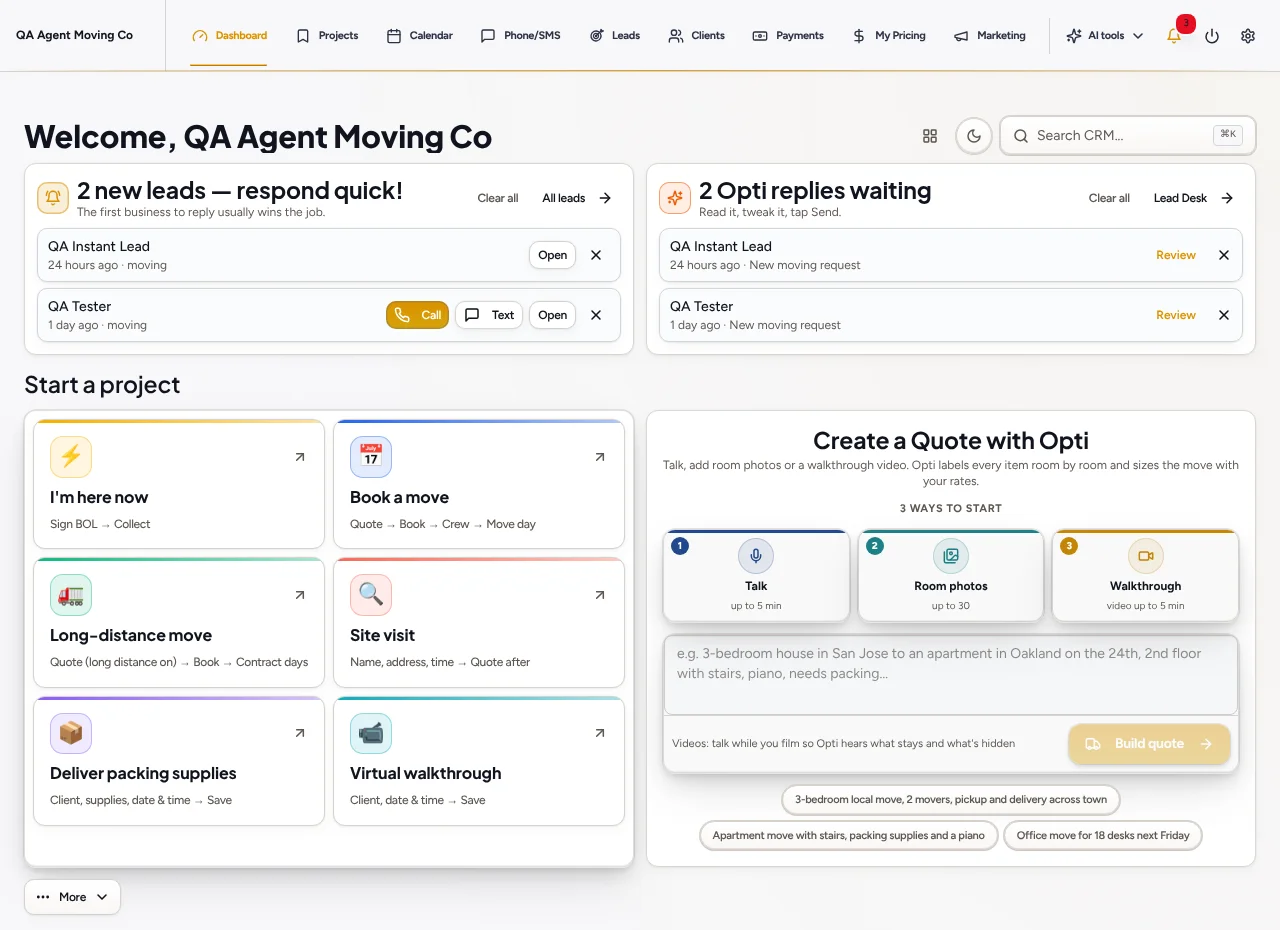
Collect room photos, job details or supported walkthroughs, then review the inventory and pricing.
Set the schedule, crew and vehicle details and manage changes through the existing moving workflow.
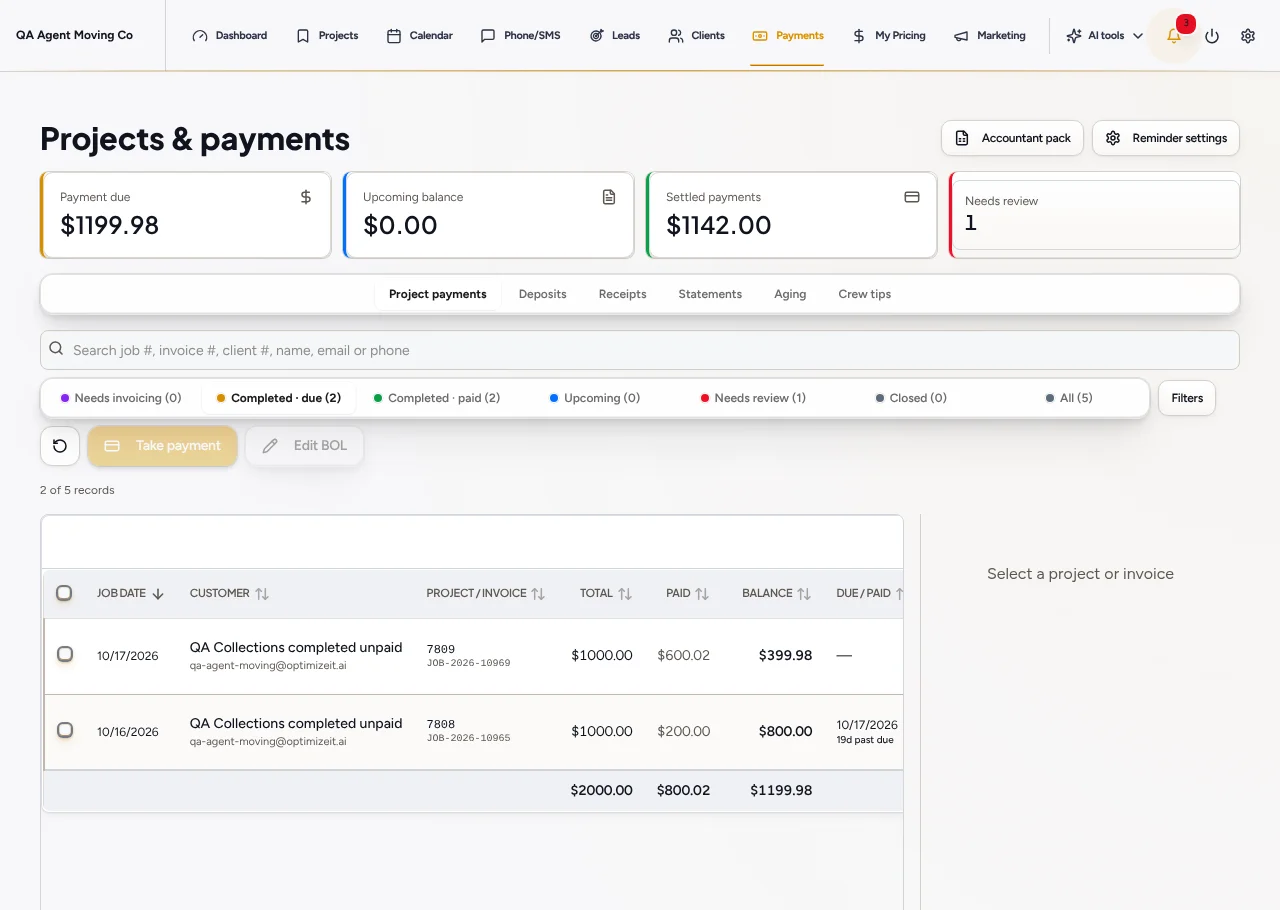
Keep moving paperwork, saved charges, deposits and outstanding balances distinct and connected.
Talk through the job, add room photos or review a walkthrough. Opti brings the proposed inventory and quote back for your review.
Verify the items, addresses, crew hours and pricing before sending. Analysis does not automatically book or charge the customer.
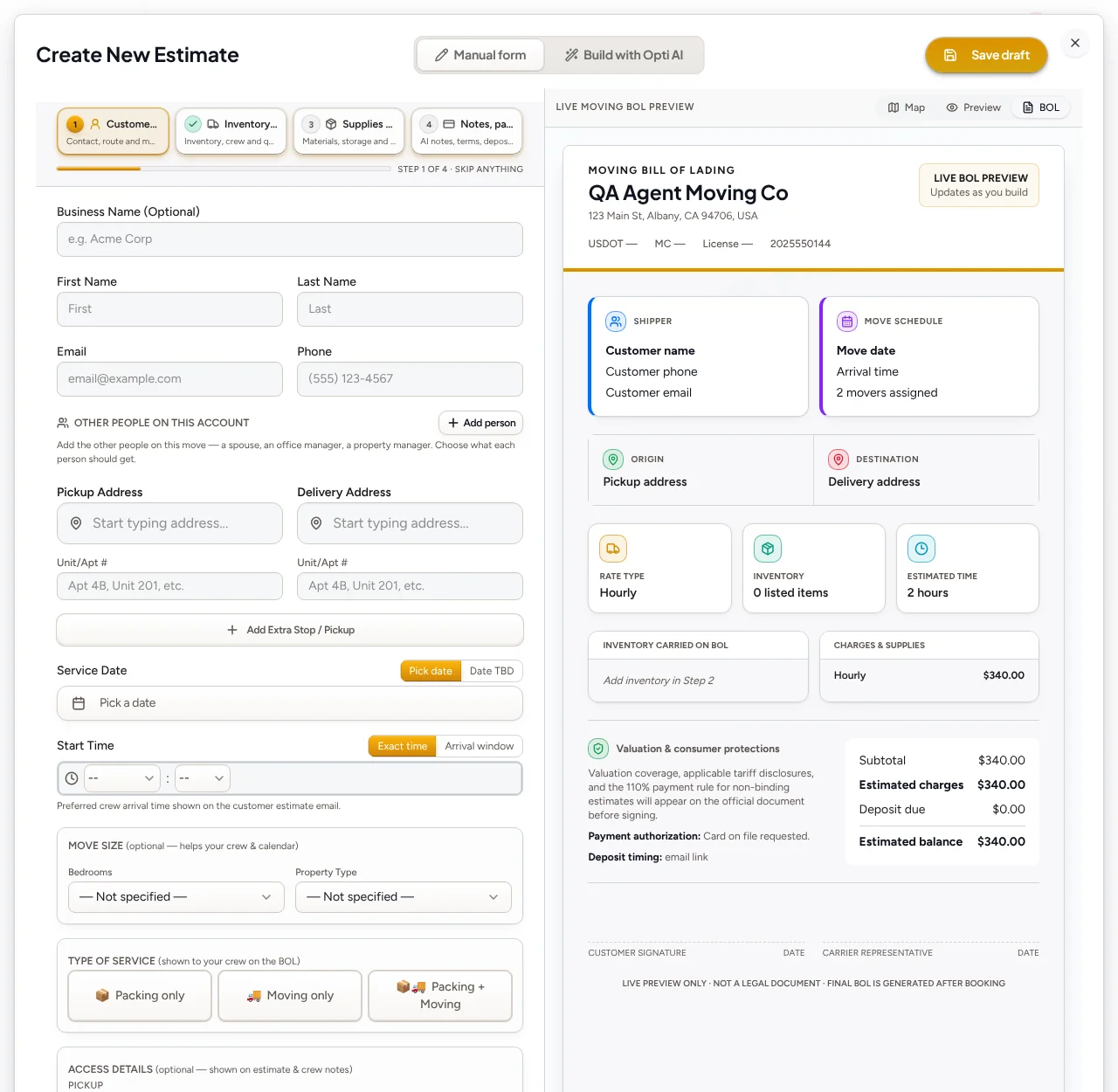
Manage saved jobs, visits and customer appointments on the Moving calendar. Use the dedicated route planner for crew coverage and daily driving order.
Explore scheduling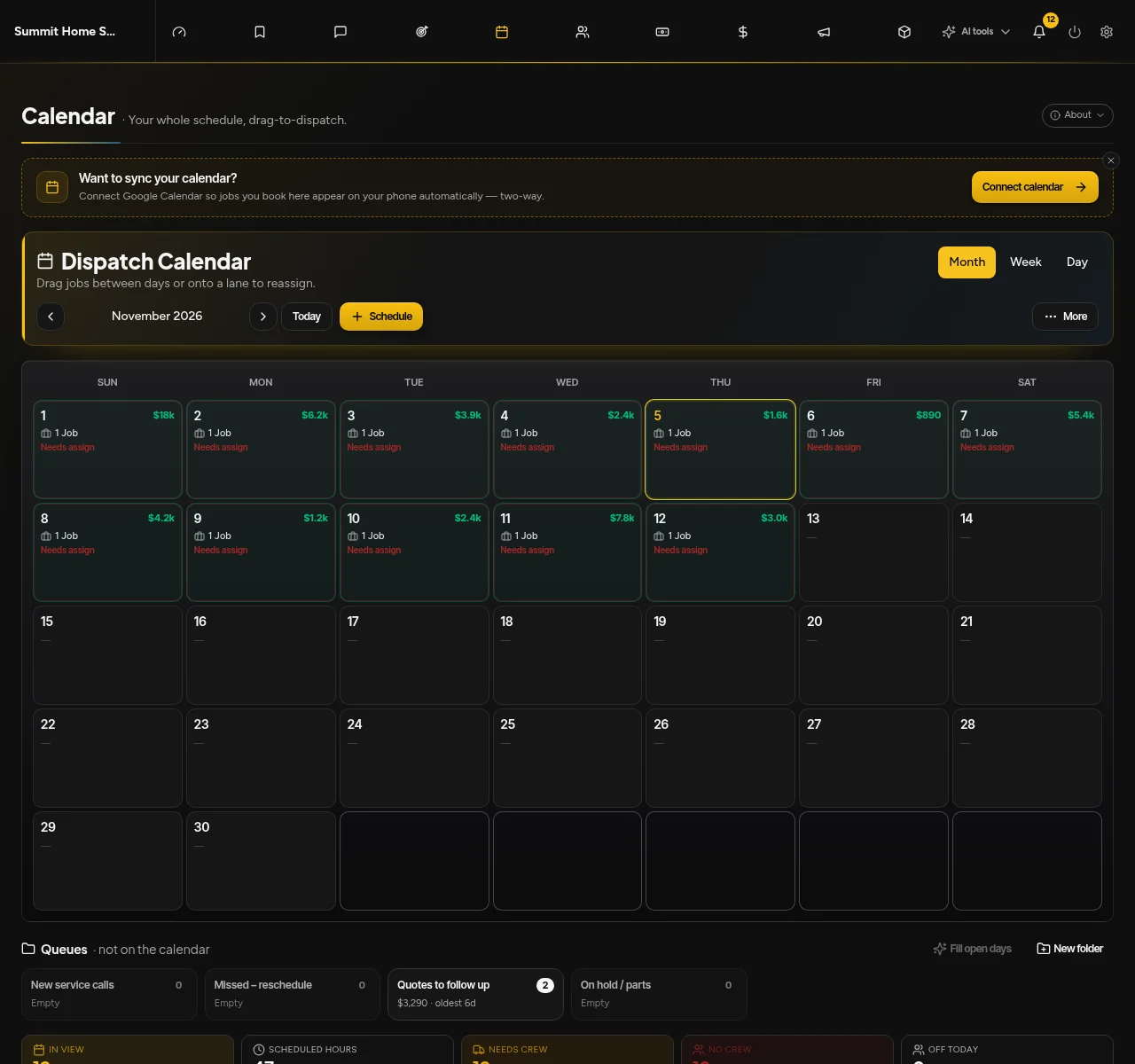
Moving retains its dedicated BOL and Change of Services workflow. Review invoices, saved deposits and remaining balances in Payments.
Regulatory requirements depend on the job. Payment collection and job completion remain separate actions.
Give callers a natural conversation about your services, capture job details and bring the follow-up back to your team.
Explore ai voice agentLet Opti organize work-related inquiries and prepare replies in Lead Desk, with the automation level you choose.
Explore lead deskGive customers, crews and authorized partners access to the work and paperwork meant for them.
Explore crew & customer portals14-day free trial. No credit card required to start. Choose a plan and enter payment details to continue. No automatic charge.
Lead Desk starts with Drafts only. You review the proposed reply. Instant replies and eligible AI callbacks are optional settings, with channel, consent, schedule and plan requirements.
No. Review the project’s signature and scheduling status, then use the available booking action. Payment collection is a separate step and requires a configured payment account.
They share the OptimizeIt brand and relevant tools, but Moving has its own estimating, surveys, dispatch and BOL paperwork. PlanScan, project Gantt and design tools have OptimizeIt-specific workflows.
14-day free trial. No credit card required to start.